-1.png)
Open the settings by clicking your avatar (bottom left corner) › Settings, or go straight to Settings. The left menu has: My Profile, Billing, Activity, Security and Manage Teams.
My Profile
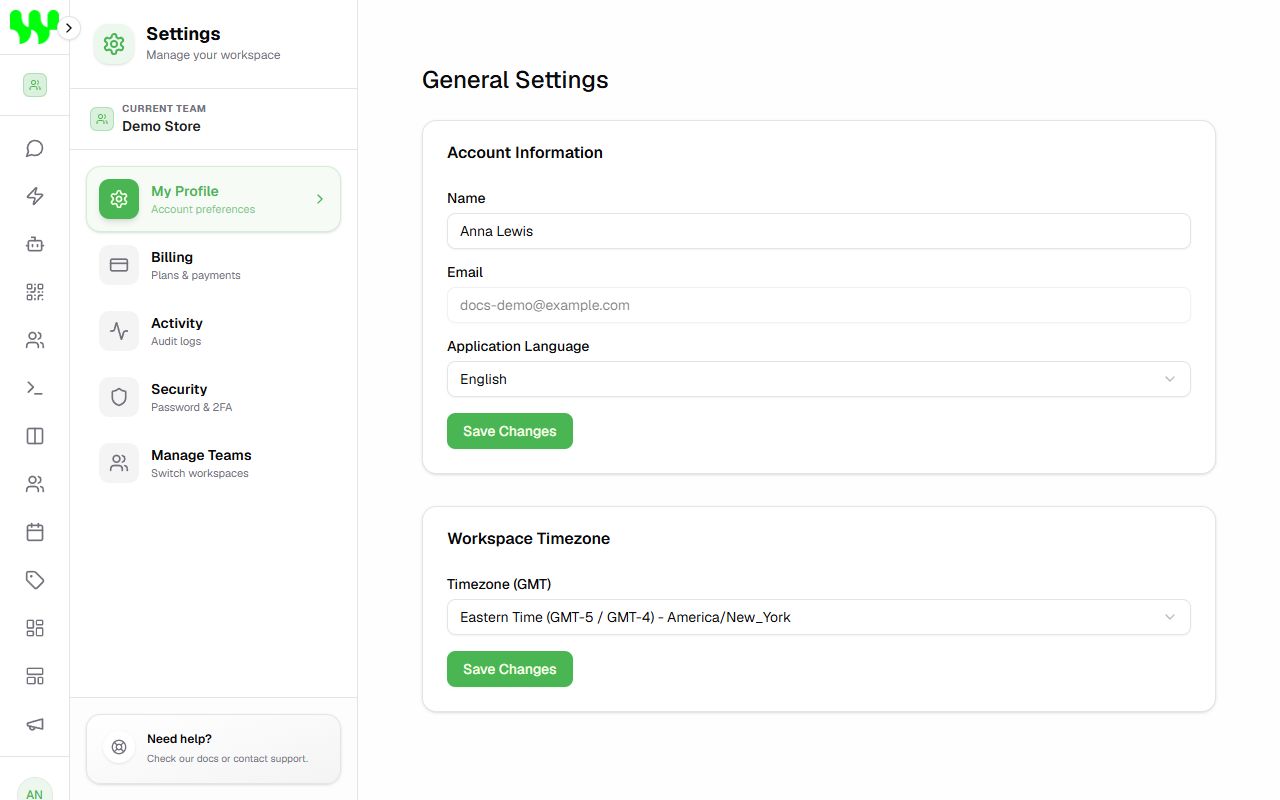
- Name: how you appear to the team and in the messages you send.
- Email: your login (it can't be changed here).
- Application Language: Português, English or Español. The whole system switches language.
- Workspace Timezone: used by the schedule, reports, automation time conditions and AI bookings. Choose your city's timezone.
Click Save Changes in each box.
Security
In Security:
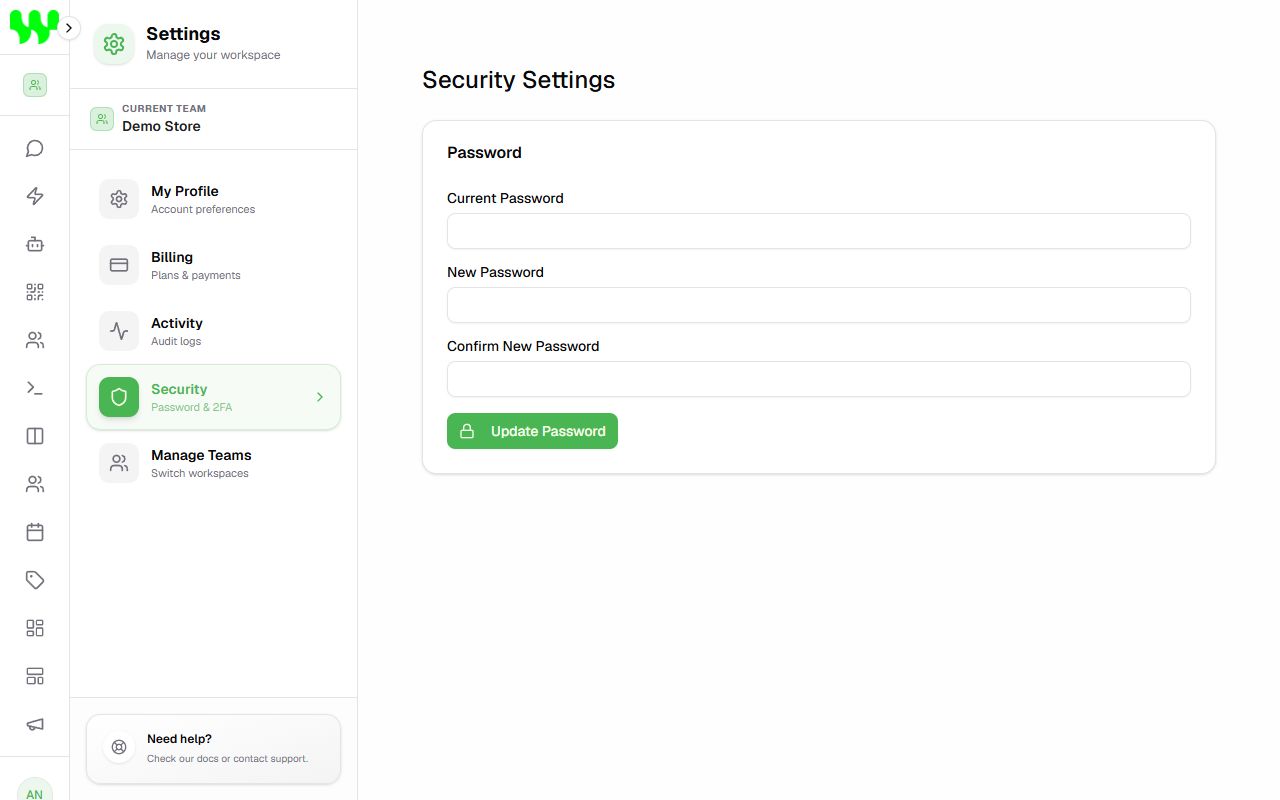
- Change password: enter the Current Password, the New Password and its confirmation, and click Update Password.
- Delete Account: deletes your account permanently. You must confirm with your password.
Signed up with Google?
If you created the account with Google, your password is managed by Google — the password section shows Account Managed via Google. To delete an account linked to Google, contact support.
Activity
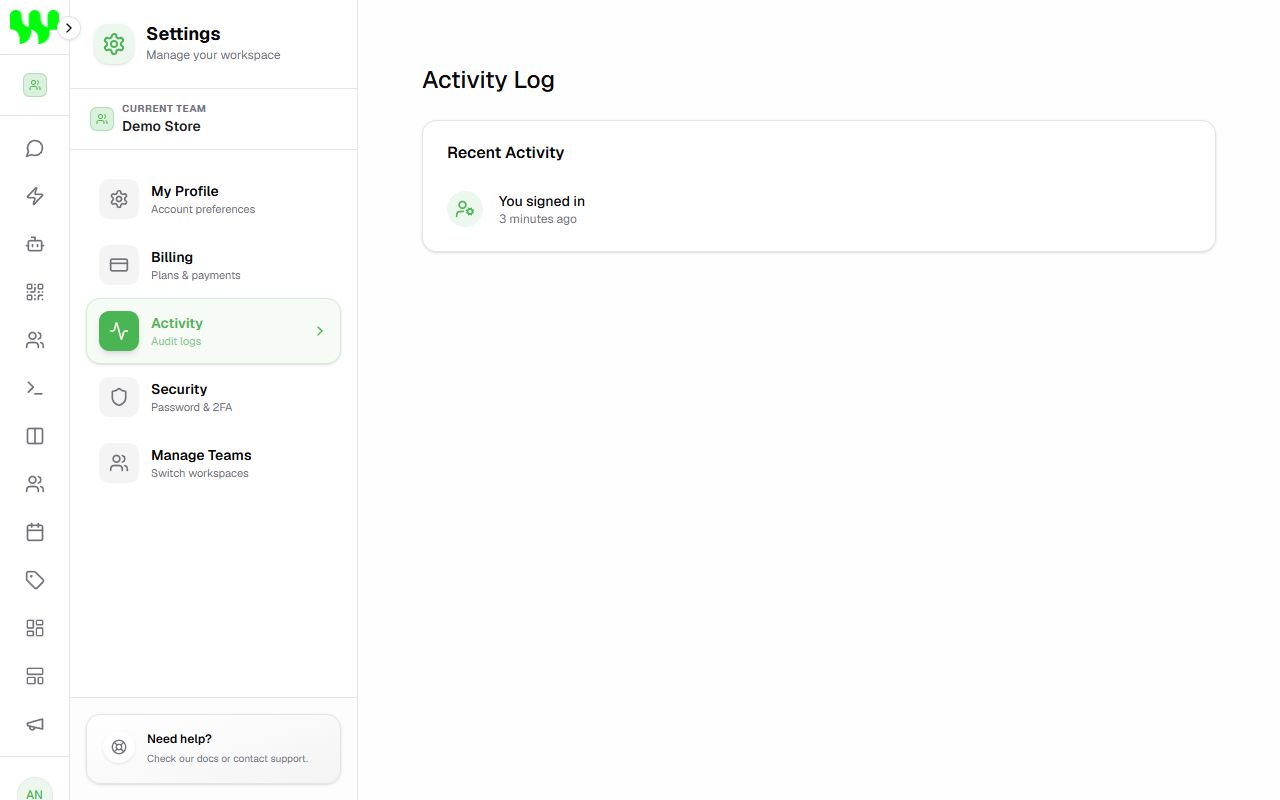
In Activity you see a history of important actions on your account: sign-ins and sign-outs, password changes, members invited or removed, instances connected, contacts saved, stage and tag changes — with date and IP address. Useful for auditing and security.
I forgot my password
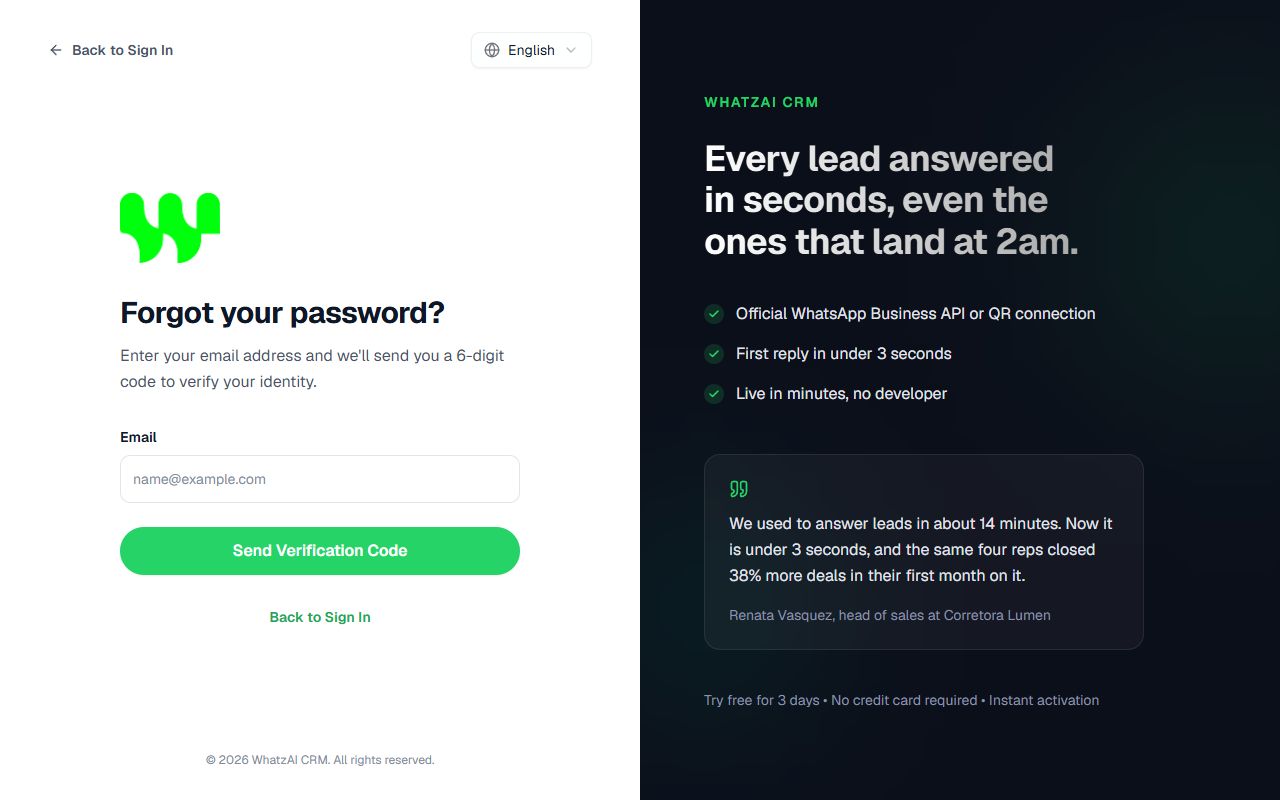
- On the sign-in screen, click Forgot password?.
- Type your email and click Send Verification Code.
- Open your email, copy the 6-digit code and type it on the next screen together with your new password.
- Click Reset Password and log in with the new password.
Too many attempts
For security, after several wrong login attempts access is blocked for a few minutes. Wait and try again, or use Forgot password?.
Sign out
Click your avatar in the bottom left corner and then Sign out.